Inside the app: main screens
Screens from the Android app. The interface language follows the settings of your account.
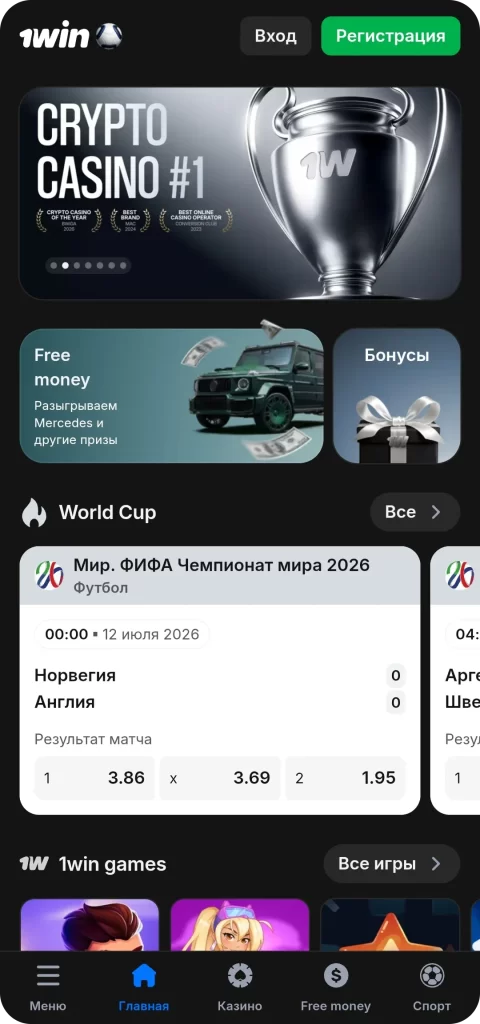
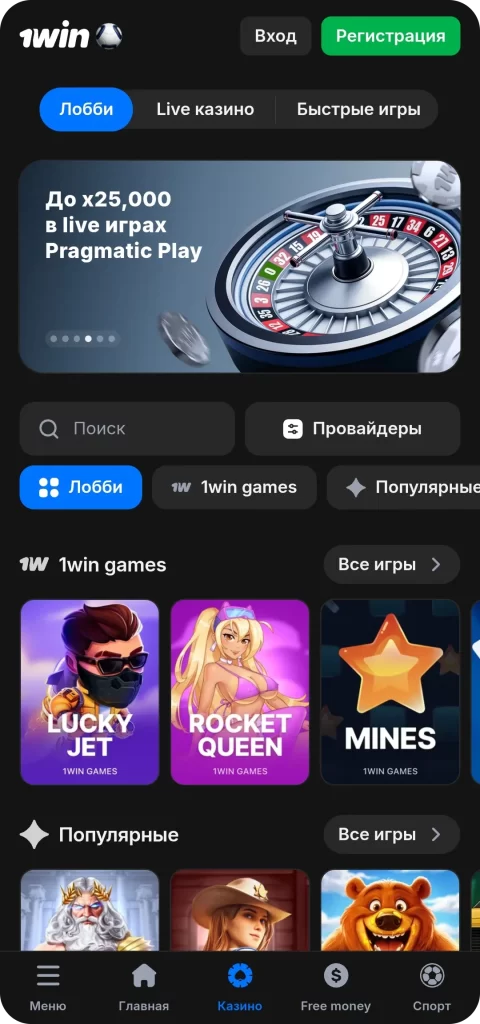
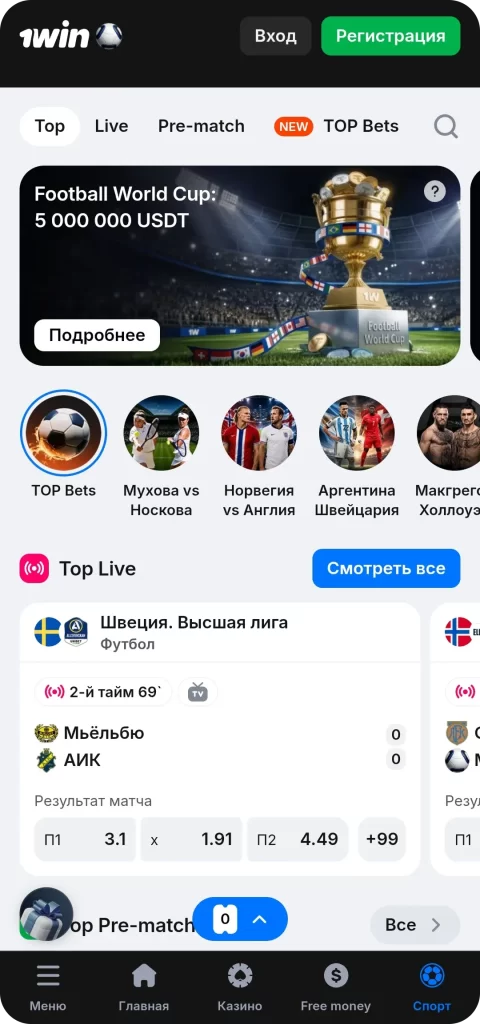
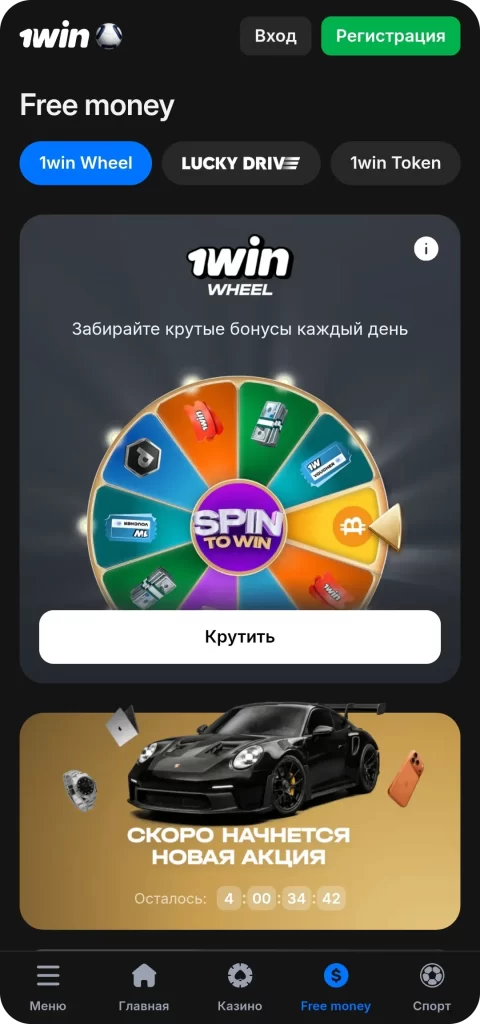
The 1win mobile app has three versions: an Android file from the official site, a Safari web app for iPhone, and a client for Windows. Each one carries the sportsbook, the casino, the cashier and live chat.
The 1win app android build is a 1win apk file from the official 1win site. In many countries it is not listed on Google Play. Searches like "1win apk download" and "1win apk android" all lead to the same file on the official site.
Android blocks files from outside the store by default. To 1win instalar the app, allow installs from that source for this one download, then turn the setting back off. Skip mirror sites that offer a "modified" version. If you ever reinstall, take the file from the official site again rather than from a forwarded link.
For the 1win app iphone search, the answer is a web app rather than a store download. You open the site in Safari and add it to your home screen. The icon then opens the platform in full screen.
Since it runs on Safari, it updates itself and uses almost no storage. It can still remember your details if you save them in iCloud Keychain. If the icon stops loading after an iOS update, delete it and add the site to the home screen again.
The official site also offers a Windows client. A larger screen helps if you follow several football matches at once or play live tables. You can keep the match list on one side of the screen and the slip on the other.
The same account and balance work on every device. A deposit made on your PC shows on your phone straight away.
Screens from the Android app. The interface language follows the settings of your account.
The 1win casino app and the sportsbook are one program. Slots, crash titles, live dealers, football markets and the cashier are all inside. You can pay with SPEI, OXXO, AstroPay, cards or crypto, just like in the browser.
Whether you search "1win app download" or "1win download", you land on the same three versions. None of them changes the odds or the house edge. The app makes play quicker, so a time limit on your phone is a sensible extra. Android's Digital Wellbeing and iPhone's Screen Time can both cap daily use of a single app or web shortcut.
Often not. Many markets get the Android version only as a file from the official site. Treat store listings that claim to be official with care.
iPhone users add a web app from Safari to the home screen instead of installing from a store.
Yes. Every feature works in a mobile or desktop browser.
Yes. One account and one balance work on Android, iPhone, Windows and the browser.